What It Is
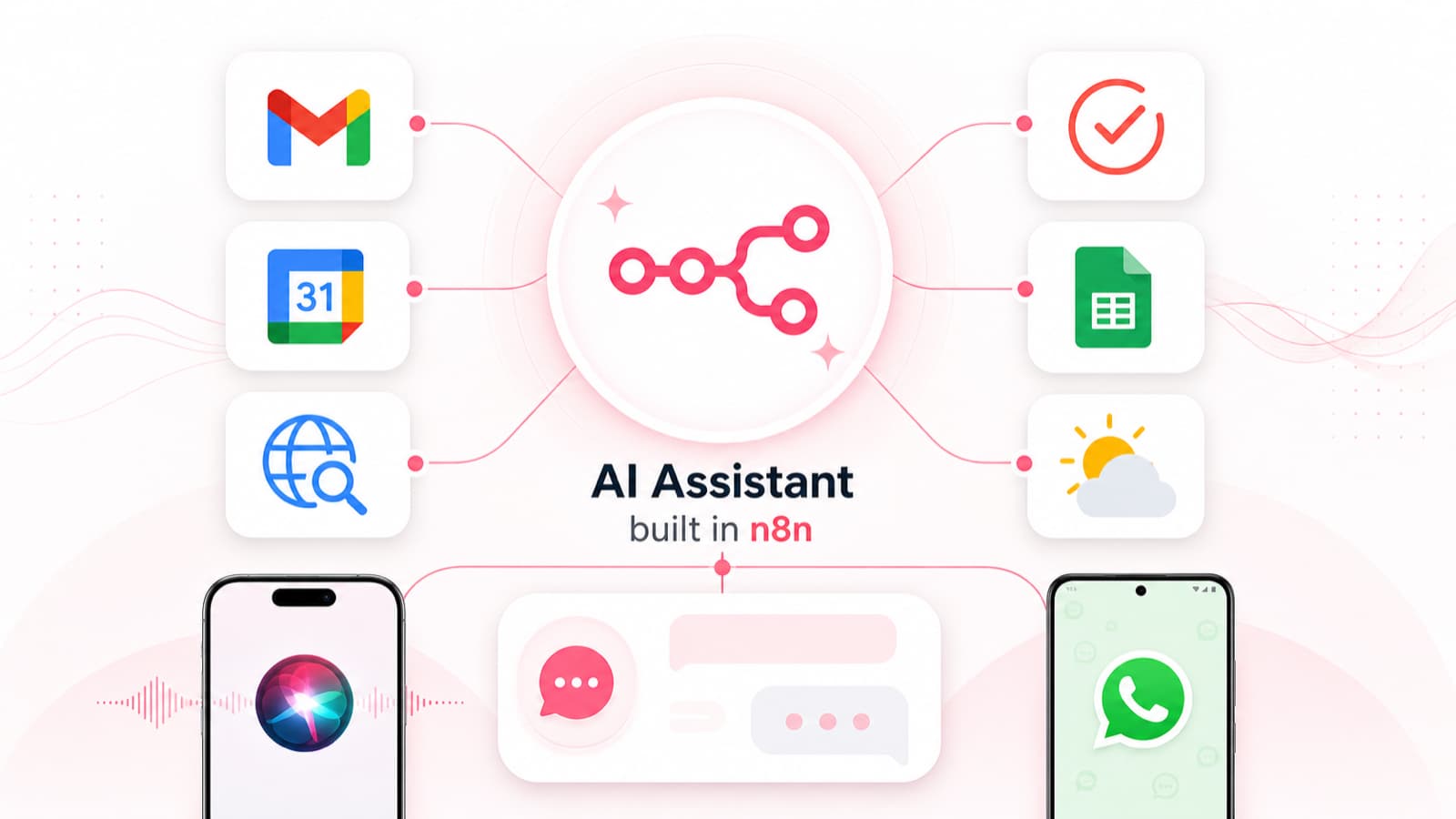
A personal assistant I built in n8n, reachable from Siri, WhatsApp, or a custom GPT. One AI agent under the hood (GPT-5.x) handles Gmail, Google Calendar, Microsoft To Do, Google Sheets, web search, and weather. The three entry points are just different webhooks so I can talk to it from whichever interface I'm already in.
I built it to test a hypothesis: could I get reliable, deterministic behavior out of a non-deterministic LLM for the kinds of vague everyday requests I'd otherwise type into five different apps? Before OpenClaw shipped, this was about as close as you could get to having an LLM on call from your phone, ready to go off and do a task on your behalf. Part party trick, mostly a sandbox for building intuition on what AI is actually trustworthy with.
Try it yourself
Download a workflow as JSON and import it into n8n via Import from File. You'll need your own OpenAI, Gmail, Google Calendar, Microsoft To Do, Google Sheets, and Tavily credentials, plus the platform-specific glue (an Apple Shortcut for the Siri version, a WhatsApp Business number for the WhatsApp version, a custom GPT pointed at the webhook for the ChatGPT version). The full system prompts live inside the AI agent nodes.
What I Learned
- Sandbox or strip the capability when the failure case is bad enough — Three triggers for me: I don't have time to prompt-engineer it away, I can't write a deterministic check to verify the behavior, or the cost of getting it wrong is too high. The day my assistant deleted a guest-lecture invite from my calendar (trying to be helpful after I double-booked), the deletion went out to the USC professor as a decline and she contacted me in a panic. Removing the delete capability was faster and safer than writing more rules.
- I trust it less than I expected to — I use it for low-stakes tasks: scheduling a workout, drafting a brief reply, adding to my grocery list, finding 30-minute slots in the shared calendar I manage for my church's bishop. For anything important, I don't want to spend the brainpower to follow up and verify it got done correctly. The rule I've landed on is the same rule for any human assistant: if loading context takes longer than the task, or if it's unreliable even 5% of the time, I'll just do it myself.
- Non-determinism usually shows up at inopportune times — In line at Avis I tried to show off my new assistant by asking Siri for my rental confirmation number. It said I had no emails from Avis. Same query later returned the right answer instantly. The fixes (code-based verifications, an orchestrator judge) are worth the build for some tasks and overkill for others.
- Specialized agents wired together like microservices pay off the moment you need to change one — Each tool (Calendar, Email, To Do, Sheets) is its own n8n workflow with its own AI agent, system prompt, and memory. The Siri, WhatsApp, and ChatGPT entry points all call into the same toolset. When an API shifts or a system prompt starts feeling suffocating on a newer model, I edit one place and every caller picks it up.
- Build now even though the scaffolding will be obsolete in months — If I were starting to build an Assistant today, I'd reach for OpenClaw or Hermes on dedicated hardware, with long-term memory and the ability to build its own tools. I'd want it always-on, watching how I work, sitting in on meetings, and proposing routines proactively, all on my hardware and under my control. Given the pace of advancement, every decision now carries a question: is the time I save today worth rebuilding in six months?
- The model-routing intuition I've built by hand is exactly what an orchestrator should own — I've spent the last year building a feel for which model handles which job. That's exactly what AI should be good at: sorting through inputs, outputs, latency, and cost data across models to find patterns I'd miss or oversimplify. There are startups building dedicated routers for exactly this, but I don't want another vendor or another subscription in the stack. My preference right now is to let a frontier reasoning model do the routing.
How It Works
- Each tool (Calendar, Email, To Do, Sheets, Internet Research, Weather) as its own n8n workflow with its own system prompt, memory, and tool calls; orchestrator agent picks the right one and hands off
- Three entry-point workflows (Siri via Apple Shortcut webhook, WhatsApp Trigger, ChatGPT custom GPT webhook), all routing into the same shared tool agents
- Siri version runs async (ask, hang up, get a formatted email back) after Apple changed how Shortcuts hold the HTTP socket open and broke voice multi-turn. Longer answers like movie reviews or product comparisons read better in an inbox anyway.
- Error workflow emails on failed executions (OpenAI model deprecations have silently broken workflows before)
Built With
n8n (cloud-hosted) for the workflow graphs, webhooks, and shared tool agents. OpenAI's GPT-5.x family powers the AI nodes, with the WhatsApp version on GPT-5 Mini so I can compare the smaller model against the full GPT-5.x running on Siri and ChatGPT. Tavily handles web search. Native integrations for Gmail, Google Calendar, Microsoft To Do, Google Sheets, Apple Shortcuts (Siri), and WhatsApp Business cover inputs and outputs. Claude and ChatGPT both helped draft and troubleshoot the workflow JSON and tune the agent system prompts. ChatGPT Images 2.0 generated hero image.